
WELCOME TO THE CURIOSITY LAB
A little madness.
A lot of possibility.
Playful instruments. Hidden voices. Happy accidents.
Music tools for the part of you that asks, “what if?”

SampleCat ↗
Give a sound to the cat.
See what curiosity sounds like.
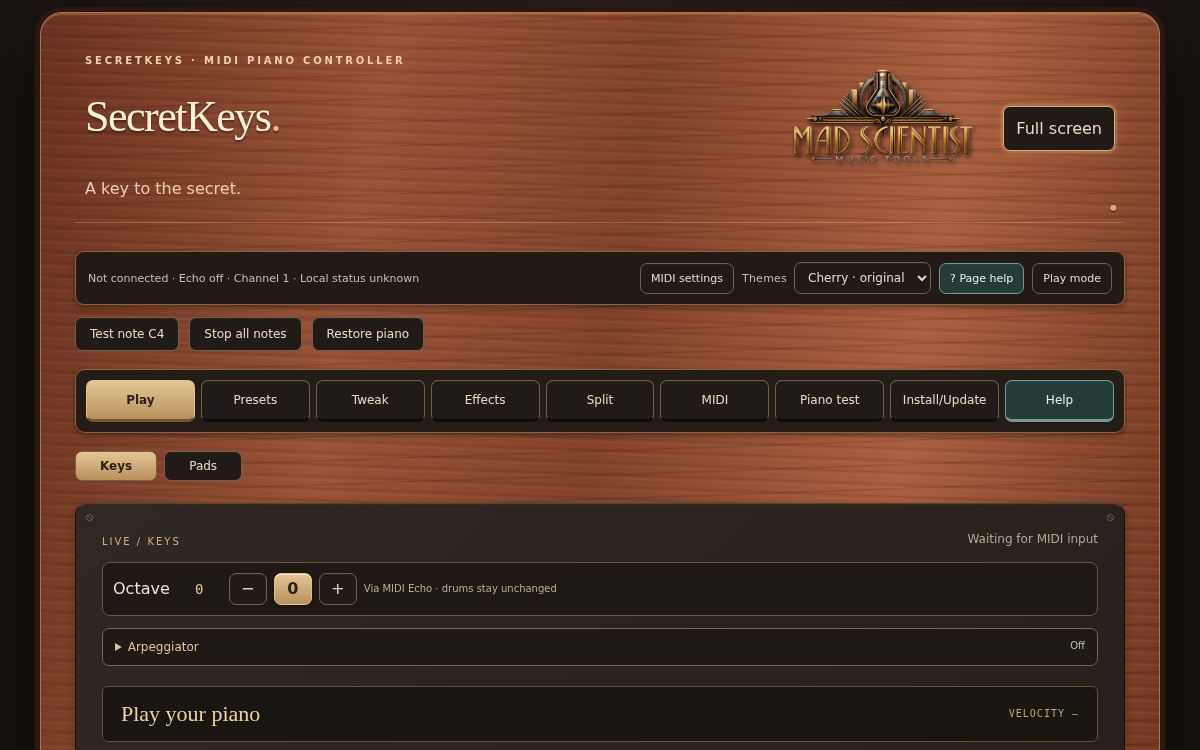
SecretKeys ↗
Your piano has a secret.
Find its other voices.
SampleCat.
A sampler with purrsonality.
Your sounds. A curious cat. An instrument that feels alive. Load a sound or record your own, then shape it by exploring the cat — from the ears to the paw pads.
- 01Give the cat a sound.
Load a WAV or AIFF file, or capture a sound through your audio input.
- 02Put your paws on it.
Trim, play and shape pitch, tone, envelope, reverb and delay. Use your mouse or a MIDI keyboard.
- 03Feed your curiosity.
Click a fang to chew a sample into 16 shuffled pieces. Save the result, including its settings and chosen cat.
- 04Keep the sound. Keep the feeling.
Saved SampleCat WAV files remember the cat coat, pitch, envelope, filter, reverb and delay. Reload them and pick up where you left off.
SampleCat 0.4.20 · First completed release · Windows app + VST3
YOUR FIRST SOUND
One cat. Two ways to play.
Standalone: open SampleCat as its own Windows app. Choose your audio input and output, then load a sound or click an ear to record. Play with your mouse or a connected music keyboard.
VST3: a plug-in format that lets SampleCat run inside music software. Add it as an instrument. To record, route audio to its recording input or sidechain — an extra audio input supplied by the host. Recording is tested in Studio One; routing and support vary in other hosts. You can also load a saved audio file.
Right-click a free area of fur or the waveform and choose Help for the controls and recording guide. MIDI means musical control messages, such as the notes from your keyboard. A DAW is the music software in which you record and arrange.
The completed installer has not been attached to this website yet. No download is available here at the moment.
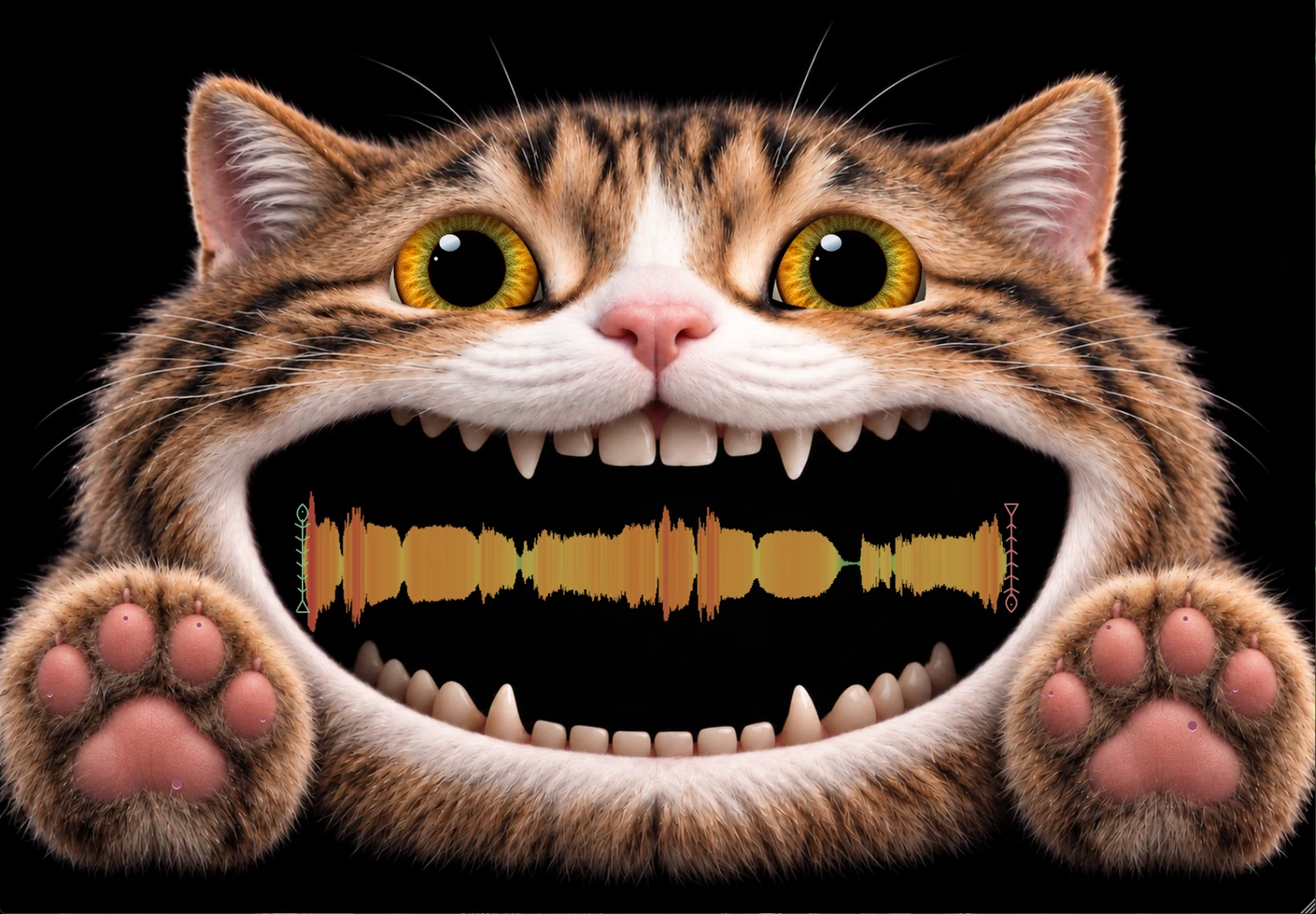
FOUR COATS. ONE CURIOUS SOUL.
Stroke the free fur in the app.
Even a music tool deserves a little affection.
Your piano has a secret.
Let’s find its other voices.
SecretKeys.
A key to the secret.
There may be more to your digital piano than the sound you hear at startup. SecretKeys sends musical control messages from your browser, so you can explore the sounds and controls your instrument supports.
- 01Find another voice.
Explore programs and MIDI banks. Keep your discoveries in 64 preset slots — 12 starting sounds and 52 you can customise.
- 02A clear place for everything.
Play brings Keys and Pads together. Presets, Tweak, Effects and Split each have their own place. See incoming notes on the 88-key display, then explore the sound you are playing.
- 03Go a little further.
Play 16 assignable drum pads or split the keyboard into two sounds. Each side can run its own arpeggiator: a repeating pattern made from the notes you hold. Export your presets as a backup.
- 04Make it feel at home.
Cherry, black, white or pine wood: choose the look that fits your piano. Install the app after its offline files are ready, so your tools stay close at hand.
WHAT’S NEW · SECRETKEYS 1.32
More ways to keep an idea moving.
Arpeggiators now offer quarter, eighth, sixteenth and thirty-second notes, plus triplets — three evenly spaced notes in the time normally used for two. Hold keeps a pattern playing after you release the keys; a new chord takes its place.
Use independent arpeggiators for the left and right Split zones. Explore Reverb, Chorus, MIDI Echo and Auto Pan in Effects. These send musical instructions to your instrument; they do not process its audio. Available effects depend on your hardware.
Designed around the Donner DDP-80 Pro. Requires a compatible MIDI connection and browser. Available sounds, controls and split behaviour depend on your piano. The piano makes the sound.
How do I get started?
Connect your compatible piano to your computer with a suitable MIDI connection. Open SecretKeys in a browser that supports Web MIDI, such as desktop Chrome or Edge, allow MIDI access when asked, and select your piano in the app. Web MIDI lets the browser communicate with musical hardware. Support on phones and tablets varies; an ordinary browser on iPhone or iPad may not offer MIDI access.
What does MIDI mean?
MIDI is a way for musical devices to send instructions: which note to play, which sound to choose, or which control to change. SecretKeys sends those instructions; it does not add a new sound engine to your piano.
EXPERIMENT 03 · A SPECIAL EXPERIMENT
Sequence
the Secret.
Let one idea become a whole little world.
A particularly special experiment in the lab: exploring how a browser can become a hands-on place for building music. Inspired by the curiosity behind SecretKeys, Sequence the Secret brings patterns, parts and musical ideas together.
- 01Start with a small idea.
Record notes from your keyboard, draw and edit them, or build a drum pattern. Arrange your ideas across 16 MIDI channels; the sounds available depend on your instrument.
- 02Find your own flow.
Move between Sequence, Editor, Drums, Sounds, Mixer and Project. Shape timing, repeat sections and balance parts with volume, pan, mute and solo controls.
- 03Follow an experiment in motion.
Open MIDI files or saved projects from your device. The file picker can also show installed cloud providers such as Google Drive or OneDrive. Export a backup to keep the idea yours.
Sequence the Secret 0.9 · A special experiment · In development
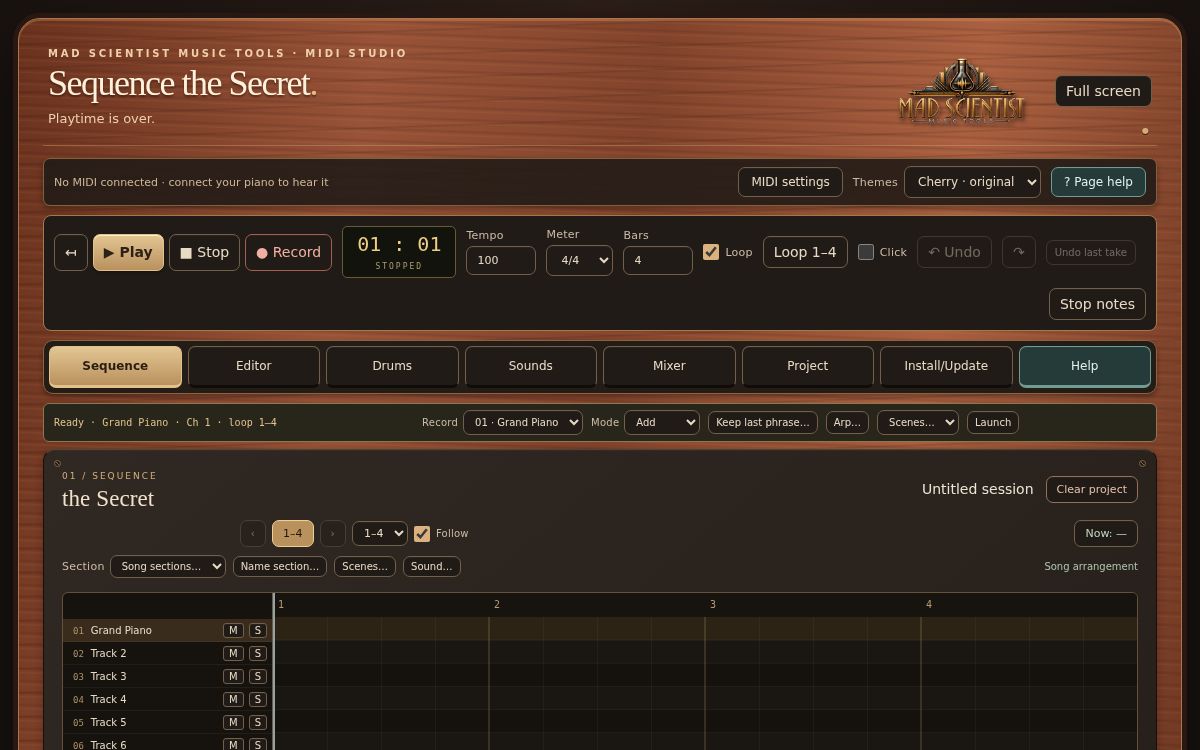
Sequence view · v0.9 web app
Open Sequence the Secret ↗An experiment in progress. Records musical notes and controls (MIDI), rather than audio. Connect a compatible instrument to hear it; playing several sounds at once requires an instrument that supports separate MIDI channels.
THE METHOD BEHIND THE MADNESS
Serious about sound.
Playful about getting there.
Mad Scientist Music Tools is a home for independent music experiments by Jeroen Moonen. Tools that invite a touch, a question, a detour. Because sometimes the most interesting sound begins with a very small “what if?”
A NOTE FROM THE BENCH
Jeroen & Anna Input

My head is full of out-of-the-box ideas. I did try putting them back in the box once. The box started meowing.
I’m Jeroen, and Anna Input is my AI lab partner. I say things like “What if a cat could chew up a sample?” Anna turns that into code. Then I play it, listen, tweak it, and ask whether the cat could sound a little more offended. Somehow, this is how we make music tools.
It’s a one-person workshop with an unusually patient lab partner, a lot of tinkering, and a lot of love for the odd little sounds that come out of it.
Got an idea, a wish, or a bit of feedback? I’d love to hear it. Most answers are in the Help sections of the apps. If you’re still stuck, or you’ve thought of the next experiment, send me an email.
madscientistmusictools@gmail.com
MADE FOR THE JOY OF CREATING.
A little support.
A lot of possibility.
These tools are made for the joy of creating — and they’re free for you to enjoy.
If SampleCat or SecretKeys brings something to your music, you’re welcome to leave a small contribution. It helps me keep exploring, tinkering and making new things.
No pressure. Playing, experimenting and sharing what you create is already a lovely thank-you.
Support the next experimentOpens PayPal. Choose an amount that feels right for you.
Always optional. The tools stay free.
Scan with your phone,
or use the button to open PayPal.